What is Alleo AI analysis?
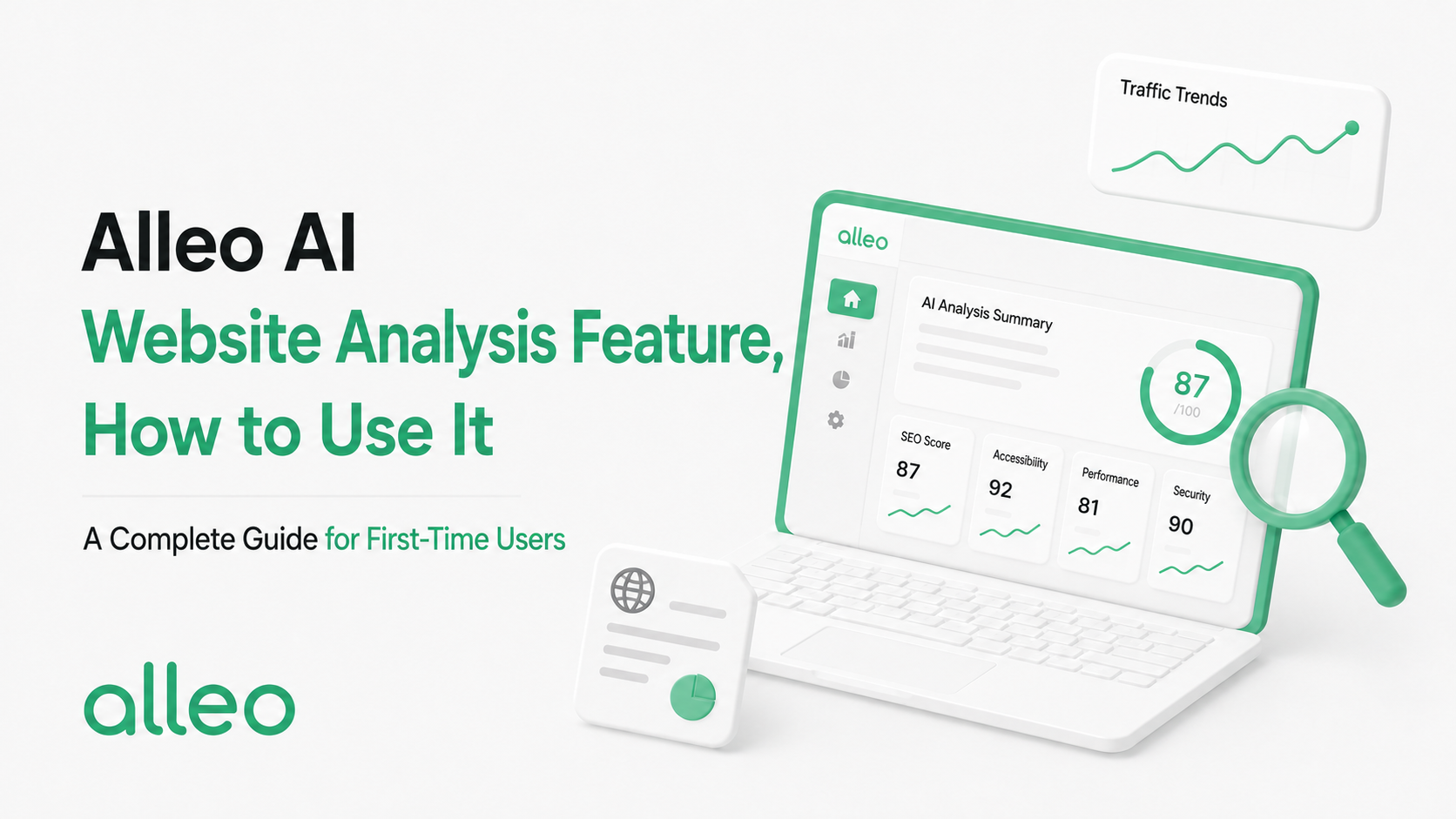
Alleo's AI comprehensive analysis diagnoses how well your homepage is recommended in AI search (ChatGPT, Perplexity, and similar tools) in one pass.
It covers five main areas:
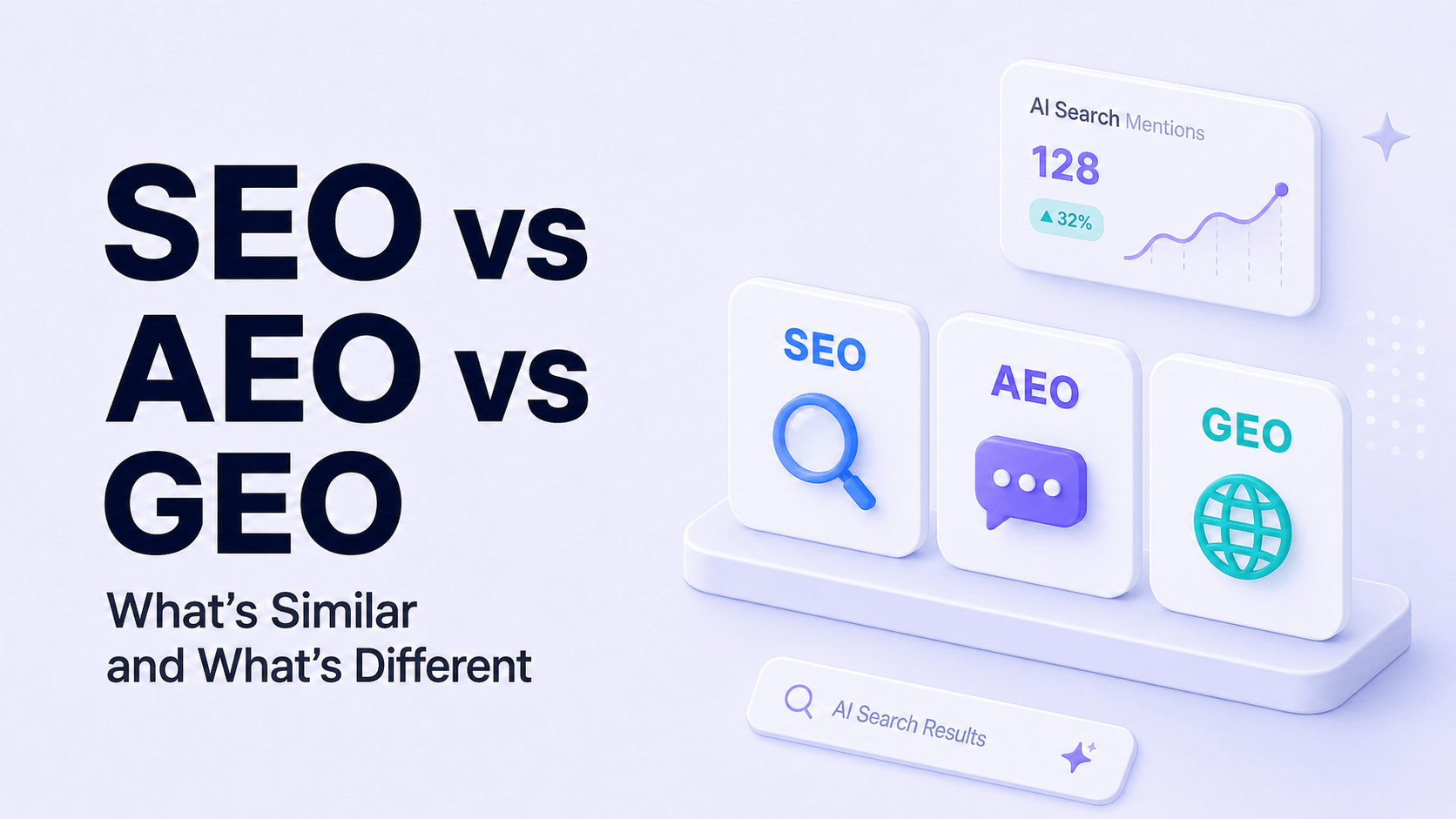
SEO (search engine optimization)
Visibility in traditional search engines like Google and Naver
GEO (generative AI search optimization)
Whether AI cites your site when generating answers
AEO (AI search optimization)
Whether your brand is mentioned when someone asks AI to recommend something
CEP (competitive analysis)
Where you stand versus competitors in the same industry
Keyword analysis
How well you connect to the terms customers actually search for in your industry
In short, you get a report card on "how ready your homepage is for the AI era." Read it alongside SEO, AEO, and GEO explained to interpret the results more easily.
Getting started — from signup to your first analysis
Sign up
Go to the Alleo console and register with email. All features are currently free, so you can start without payment.
Enter your homepage URL
On the dashboard, enter the homepage you want to analyze. Naver Smart Place, your own site, Cafe24 stores — any URL works.
Run analysis
Analysis starts with one click. SEO, GEO, AEO, CEP, and keywords all run together, so there is nothing extra to configure.
Review the results
Within minutes, your five-dimension scoring results appear on screen.
How to read the results — understanding five-dimension scoring
When analysis finishes, you get scores across five dimensions. You need to know what each one means to use the report well.
| Dimension | Meaning | If the score is low |
|---|---|---|
| Brand awareness | How well AI recognizes your brand | Not enough brand-related content online |
| Market competitiveness | Your position in the same industry | Less information or lower quality than competitors |
| Visibility quality | How accurate your information is when you appear in search results | Homepage structure or meta information needs work |
| Brand sentiment | Whether AI sees your brand image as positive | Review and reputation management needed |
| Country market fit | How well you fit exposure in your target region | Local keywords and regional information need improvement |
Scores are relative indicators. Focus on which dimension is unusually low rather than the absolute number.
Setting priorities — what to fix first
Alleo also suggests improvement priorities in the results. If you want to decide yourself, we recommend this order:
- 1
If visibility quality is lowest
→ Start with basic homepage information: business name, category, contact details, and service description. This is your foundation.
- 2
If brand awareness is low
→ You need blog or social content that mentions your brand. AI learns from information on the web.
- 3
If market competitiveness is low
→ Use CEP results to see what content competitors have and build your differentiation.
- 4
If brand sentiment is low
→ Actively publish customer reviews and case studies online.
Do not try to fix everything at once. Focus on the lowest score first and the overall result will follow.
After analysis — connect to blog, content, and social
Once you have your results, you can move to the next action inside Alleo.
- Improve brand awareness and market competitiveness → Publish industry-tailored posts with the SEO/GEO/AEO-ready blog
- Not enough content → Use interview-based content generation so AI asks questions and turns your business story into articles
- Expand reach → Use automated social posting to adapt blog content for Instagram and Facebook
Alleo is designed so analysis, content creation, and distribution flow together. Do not stop after one analysis — improve, re-analyze, and track score changes. Go to Alleo console
Frequently asked questions
Q1. Is there a cost for analysis?
Alleo is currently free to use. You only need to sign up. Early bird members may receive benefits after the official launch.
Q2. Can I analyze a Naver Smart Place URL?
Yes. You can paste a Smart Place address into the homepage URL field. Any web address works — your own site, shopping mall, and so on.
Q3. What should I do if my score is low?
Alleo suggests improvement priorities, so follow that order. In most cases, you can raise your score by cleaning up basic homepage information or publishing blog content.